Wondering if it's possible to download Netflix videos without the app? You're not alone. Many users want to save Netflix movies and TV shows directly to their computers without installing the official Netflix application—especially when they're using devices that aren't officially supported or simply prefer a more flexible download solution.
Officially, Netflix allows offline downloads only through its app on devices like iPhones, iPads, Android phones, and Windows 10/11 computers. But what if you're on a different device, or you've run into Netflix's download limits and expiration dates? The good news is that you don't have to be limited by the official app's restrictions.
In this guide, we'll show you a reliable way to download Netflix videos without the app—saving them as permanent MP4 files that you can keep and play on any device.
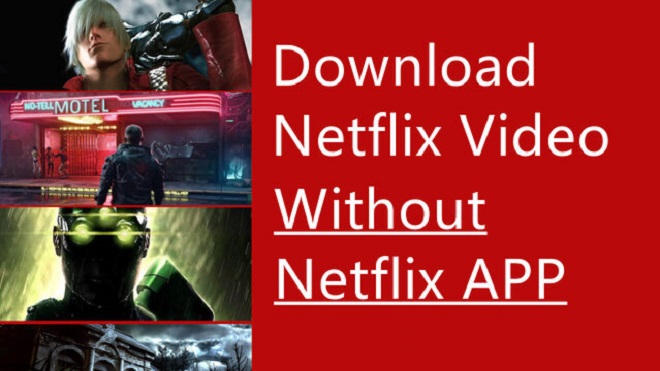
To save Netflix movies and TV shows without the official app, consider using a specialized tool like NoteBurner Netflix Video Downloader. This software enables you to download Netflix movies and shows to MP4 in high definition, with output quality up to 1080p. Additionally, it allows you to preserve multiple audio tracks and subtitles, which is particularly useful for multi-language content.
Using NoteBurner Netflix Video Downloader is straightforward: simply enter the video's keywords into the search box, click the download icon, and wait a few minutes for the download to complete. Once downloaded, you can easily save Netflix videos to a USB drive or any other external storage for playback on any device, anytime.
💡 Data Recovery Tip: Accidentally lost or corrupted your downloaded videos? A tool like Syncios D-Savior can help you recover them efficiently and keep your content safe.


In order to be able to download Netflix videos without an app in a smooth manner, please follow the steps below.
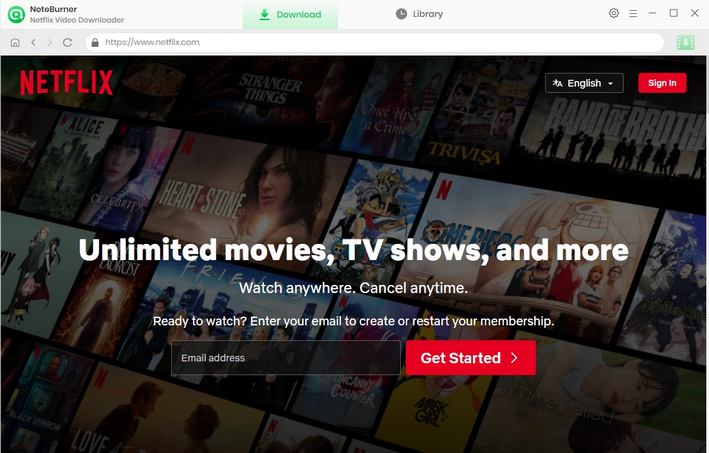
Step 1 Run Netflix Video Downloader
Run Netflix Video Downloader on Windows PC and click Sign In in the upper right corner of the main interface, and then enter your Netflix account and password on the login interface.
Step 2 Customize Downloaded Settings
Click the  button on the upper right corner to customize the output quality (High, Medium, Low), the video format (MP4, MKV) and output path.

Step 3 Search Preference Videos on Netflix Video Downloader
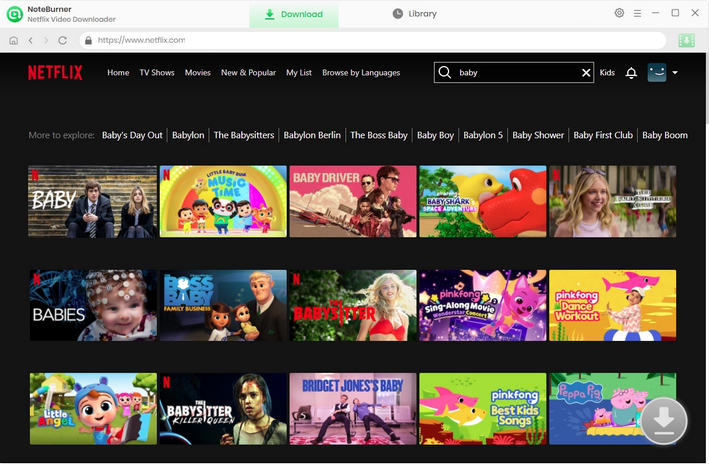
NoteBurner Netflix Video Downloader seamlessly connects to Netflix website. To begin searching for movies and TV shows, simply click the magnifying glass button located in the upper right corner, the same as you would on the Netflix platform. In the search bar, enter keywords or the complete name of the desired content, and within moments, you will be presented with a list of search results.
Step 4 Select Output Audio Track and Language
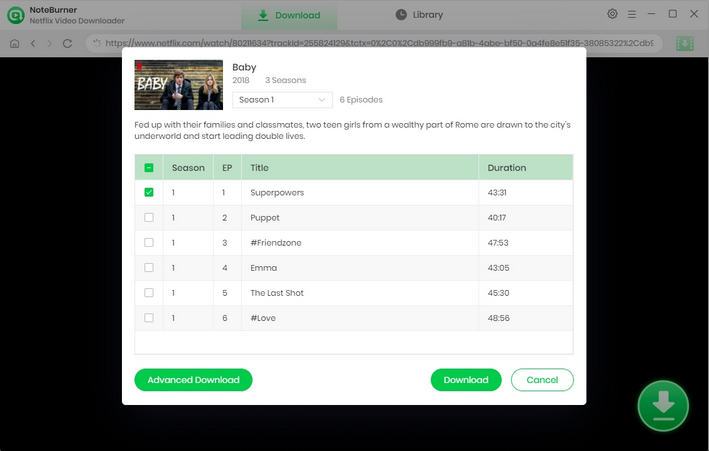
Find your desired video and click on it. This will take you to the details page or start playing the video. Once you are on the page or playing the video, you will notice that the gray download icon in the lower-right corner will turn green. To initiate the download, simply click on the green icon  .
.
After that, a window will appear, from which you can select the season and episode for downloading a series. Then click on the "Advance Download" button to choose the specific video quality, audio tracks, and subtitles.
For downloading movies, just click on the green download icon. You can choose those parameters as well.
Step 5 Start Downloading Netflix Videos
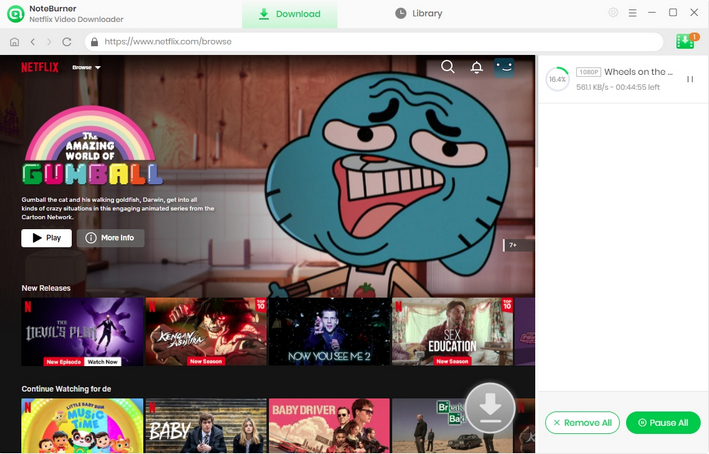
Now, simply hit the "Download" icon to start downloading the Netflix videos to the output folder you've chosen in the previous step, and wait until the download completes.
Step 6 Find the Downloads
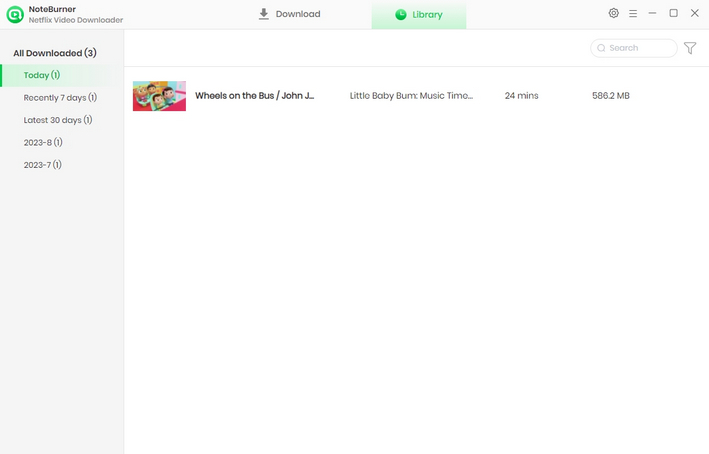
After downloading, you can click on the Library to find the well-downloaded Netflix videos on the local drive.
Now, you can freely enjoy your downloaded Netflix movies and TV shows on any device!
As you can see, it is not impossible to download Netflix movies and TV shows without installing the Netflix app. Through NoteBurner Netflix Video Downloader, you are free to download and transfer your favorite Netflix movies and TV shows to any device whenever you like. It can not only help you to download Netflix videos directly, but also keep your downloaded videos forever. It's the time to give a try for this amazing tool.
 What's next? Download Netflix Video Downloader now!